





Google has officially started rolling out the stable Android 17 update to eligible Pixel devices, the company announced in a blog post. The update will also be released to supported phones from other Android manufacturers throughout 2026. Along with this, Google has released the Android 17 source code to the Android Open Source Project (AOSP).
The Android 17 stable update is rolling out to Pixel 6 and later phones. Google notes that select ‘advanced’ Android devices will receive Gemini Intelligence later this summer.
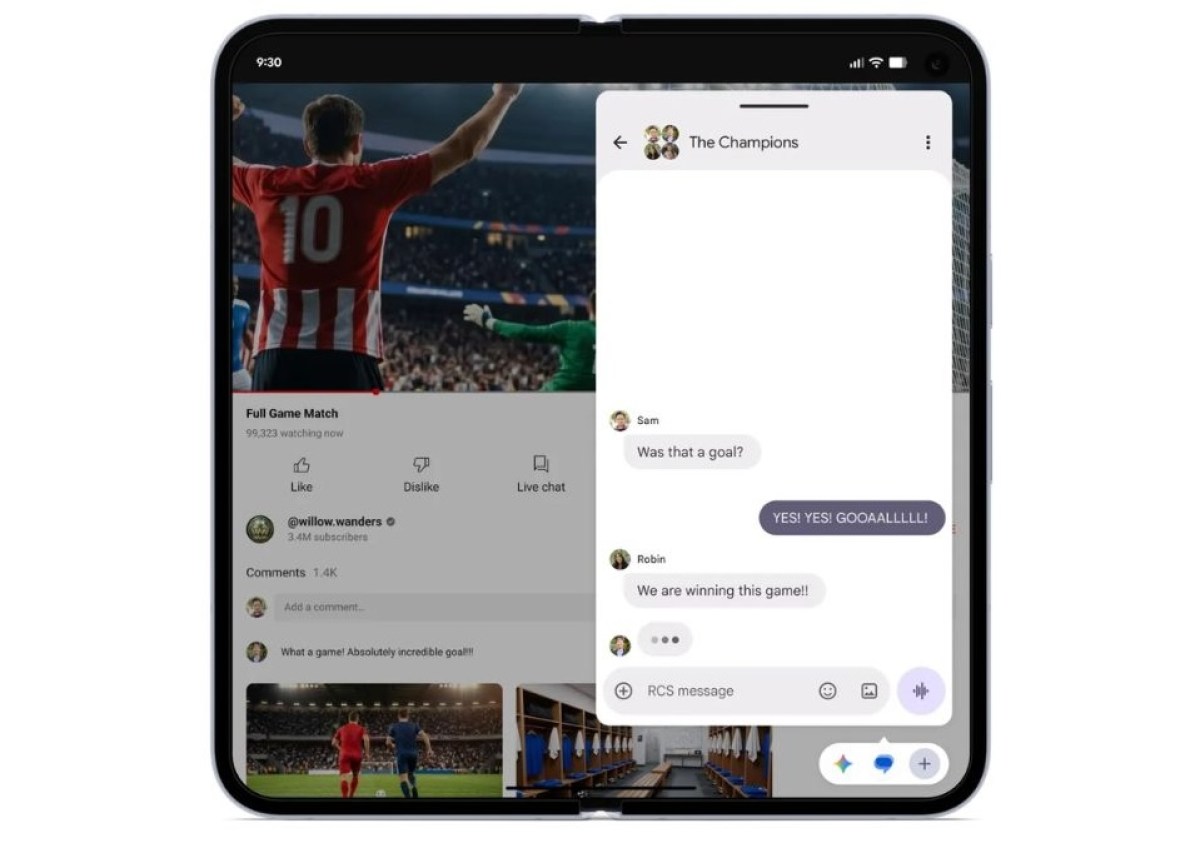

Android 17 brings a number of new features to Pixel phones like App Bubbles, which lets users turn any app into a floating window and let it float on top of other apps. Notably, foldable phones and devices with larger screens will also offer a bubble bar at the bottom of the screen to manage apps.
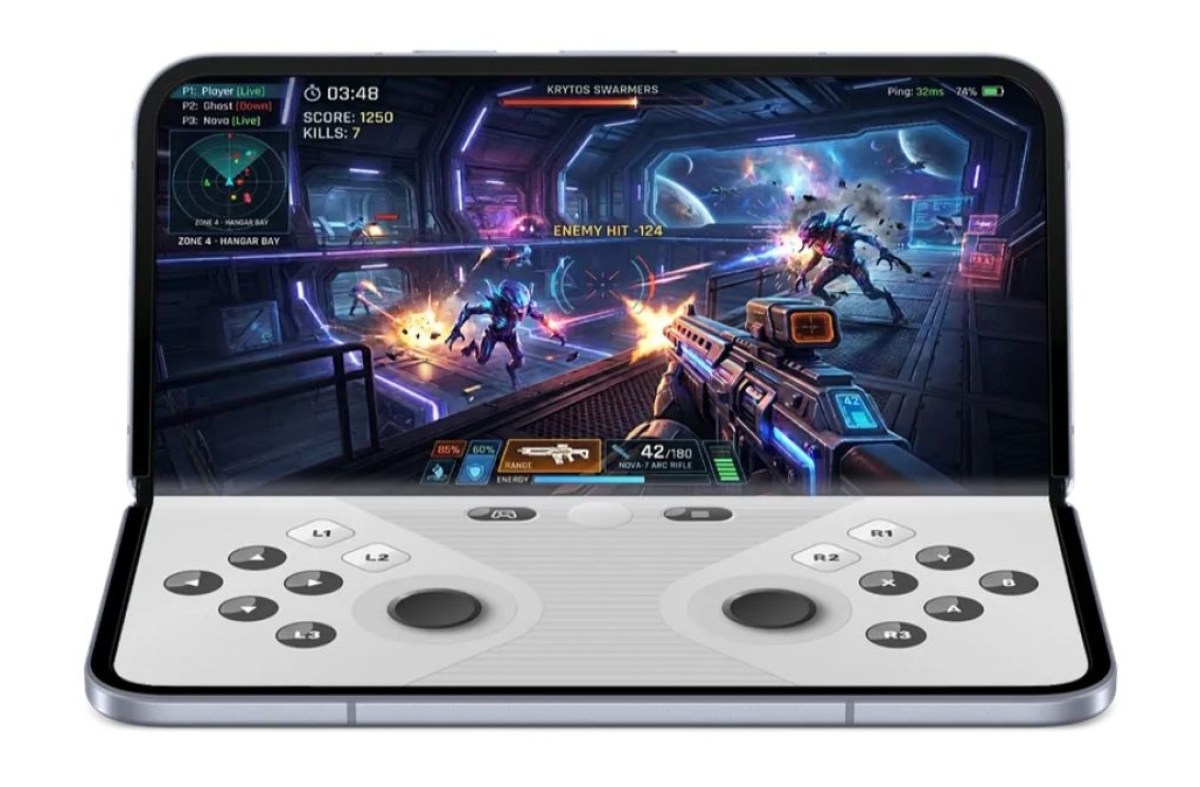
With Android 17, foldable devices get a new 50/50 layout in games that offers games on one side of the screen and a dynamic gamepad on the other. According to Google, this feature will be rolled out in the coming months.

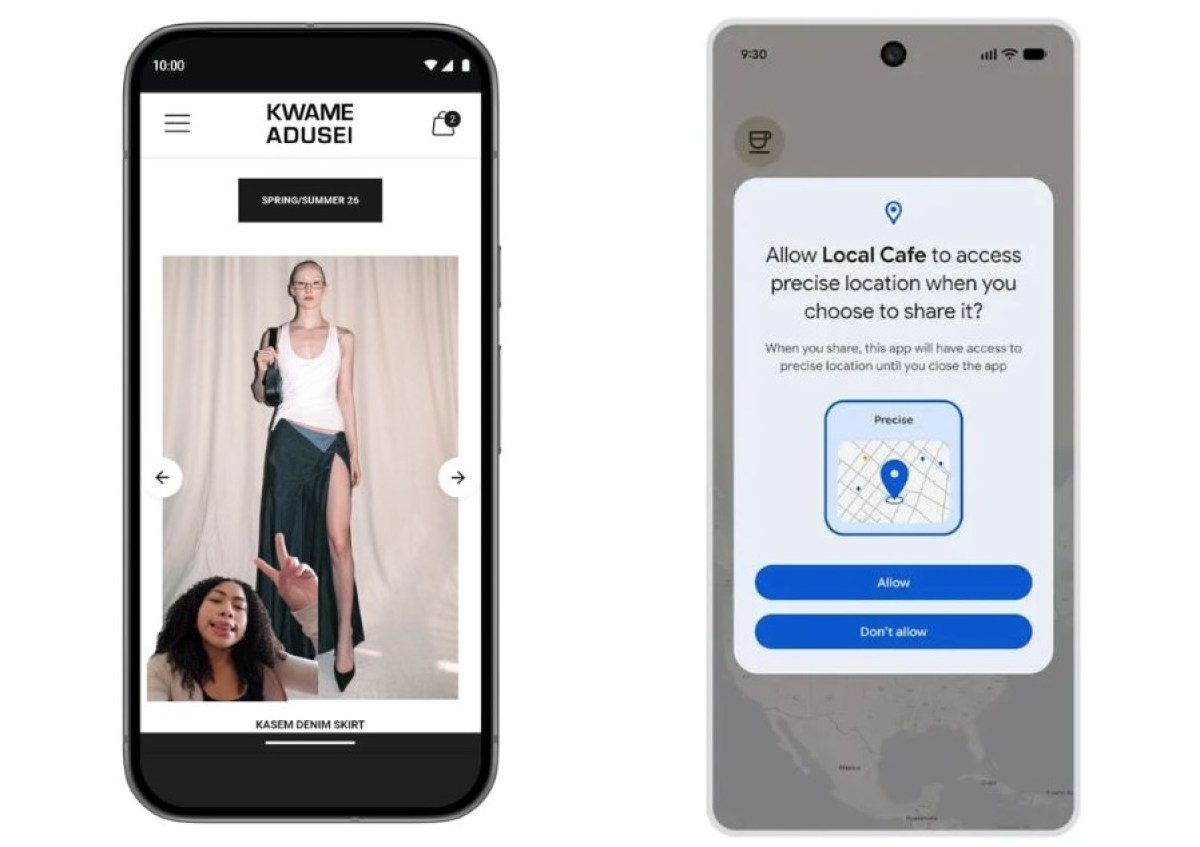
The Android 17 update also adds a new Screen Reaction feature in screen recording, which lets users record their reactions using the selfie camera while recording the screen.
Google is also bringing new changes in location access. There is a new ‘Exact location once’ option available for apps, an updated algorithm for approximate locations, and a redesigned dialog for the “exact” and “approximate” location checkboxes.


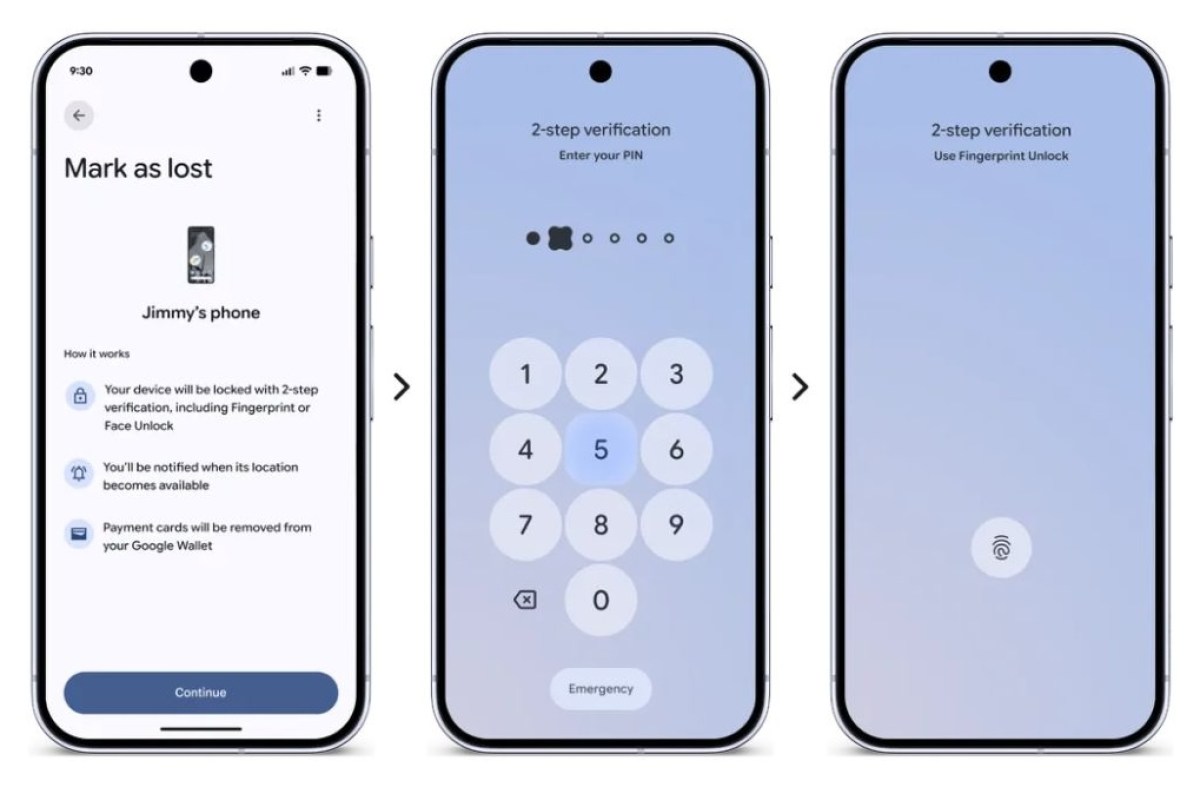
There are new safety and security features available for Find Hub in Android 17. The “Mark as lost” feature now lets users lock lost or misplaced devices with biometrics.
With Android 17, users can choose to share only certain contacts with an app instead of sharing their entire contact list. The update also brings updates to Live Threat Detection and Advanced Protection mode.

Android 17 also has a new app memory limit feature that makes sure apps don’t use too much RAM. It features an expanded dark theme, a new setting to hide app names on the home screen, and several other design changes.