





Camera flagships are more than just smartphones these days. They have huge potential thanks to their high-end, next-generation imaging sensors and capable lenses. Heck, you can even extend their basic optical reach by adding a teleconverter lens. We live in truly exciting times!
Today, we’re taking a look at the latest photography kits: the Xiaomi 17 Ultra Photography Kit and Photography Kit Pro. Both add real manual controls to the Xiaomi 17 Ultra and focus on expanding its imaging capabilities, not adding external lenses.
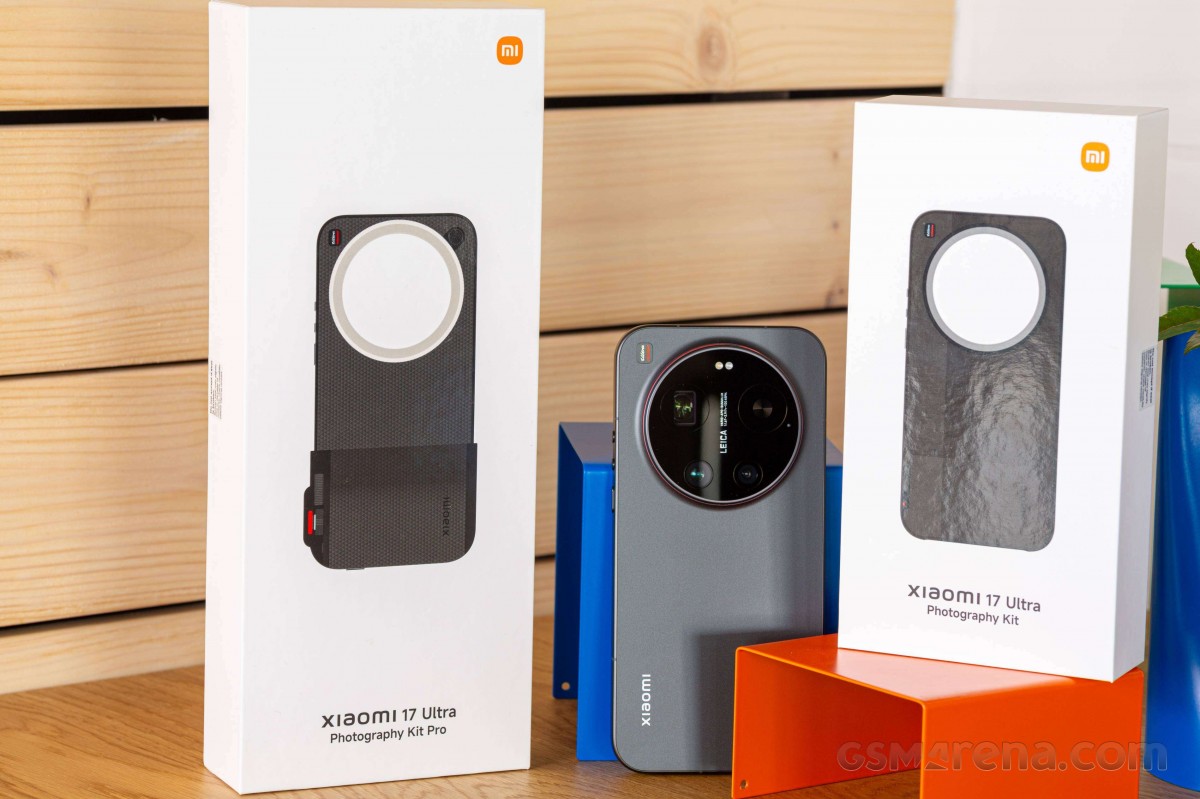

Let’s start with the Pro Kit. It’s all based on a quality magnetic case for the Xiaomi 17 Ultra, which has a detachable filter thread, a regular filter ring, a rotatable filter adapter ring, Photography Grip Pro, a red wrist strap and two soft shutter buttons – one red and one black.
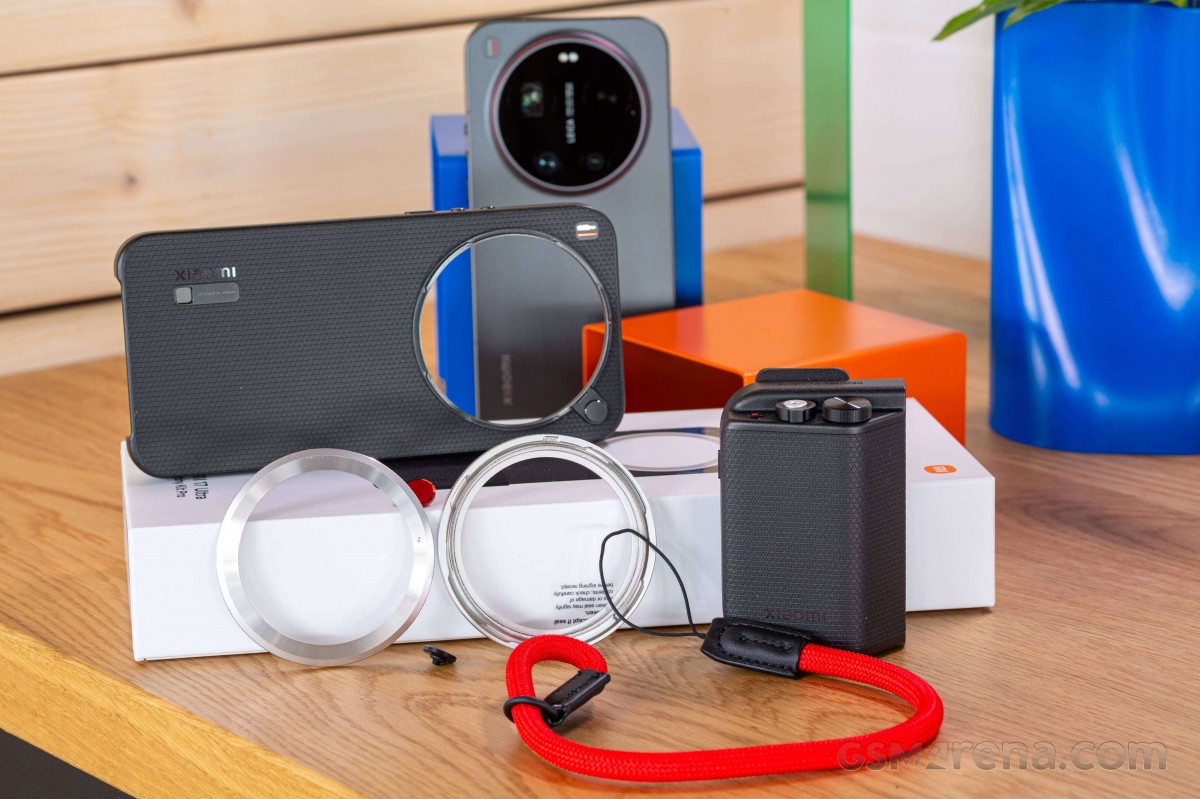
One of the filter rings has a thread for attaching a 67mm filter, such as a circular polarizer (pictured below), or an ND or Pro Mist filter. Both filters work with the rotating camera ring on Xiaomi’s (and the Chinese Xiaomi 17 Ultra) Lenovo Leitzphone – you can rotate it and control zoom and exposure while the case is on.
The camera grip connects to the Xiaomi 17 Ultra via USB-C and supports Xiaomi’s 90W HyperCharge. By default, the Grip’s built-in 2,000mAh battery will charge the phone if its battery drops below 20%.
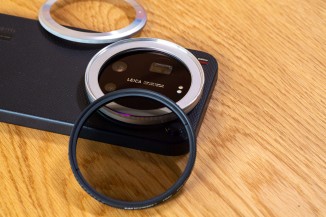
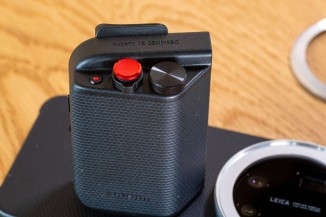
Filter ring and a USB-powered grip

When you connect the Grip to the case, you lose MagSafe support – there’s no room left for a charger on the back of the phone.
Once you’ve attached the grip to the phone inside the case, you can lock the grip and case with a small lever on the grip.
In terms of controls, you get a two-stage shutter (half-press to lock focus, hold down to shoot), a zoom lever around the shutter, a small video button, and a dial that can be customized to control exposure compensation, filters, ISO, shutter speed, or white balance.
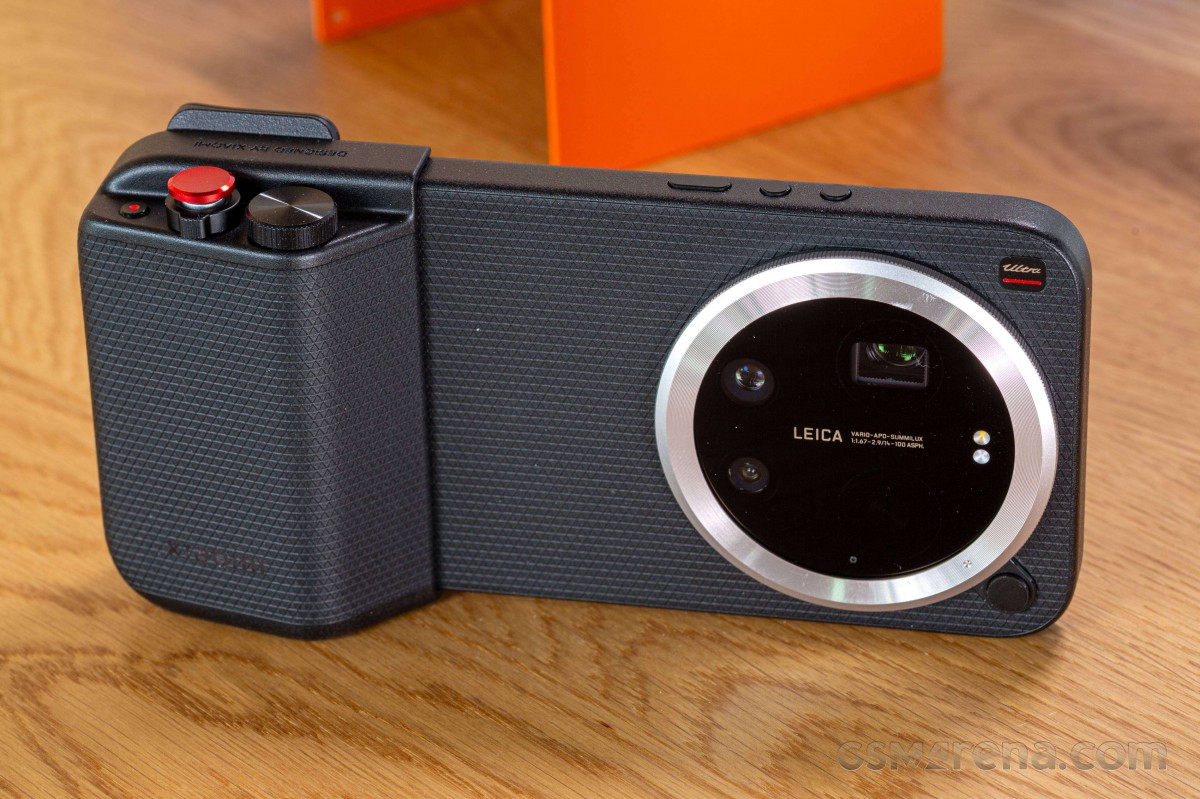
The grip has a very thoughtful design with a small but convenient thumb rest implemented on the back. This greatly facilitates one-handed operation.
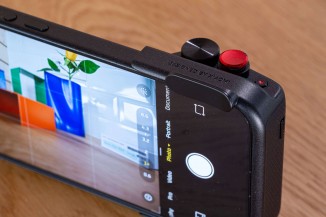
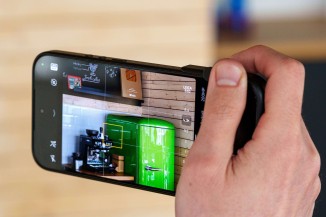
a very welcoming layout
You can use the Xiaomi 17 Ultra’s FastShot mode with Photography Kit Pro – simply enable Quick Launch in the phone’s settings, choose FastShot for the camera mode and choose Quick Snap (Grip). Then, you can wake up the phone and take a quick shot by pressing the shutter button. FastShot mode is a street photography-targeted mode that captures a photo at a preset focal length in less than a second.
Both the case and grip are IP54 weatherproof against dust and splashes of water. The case also has a nice grippy texture on it, which helps with grip protection.
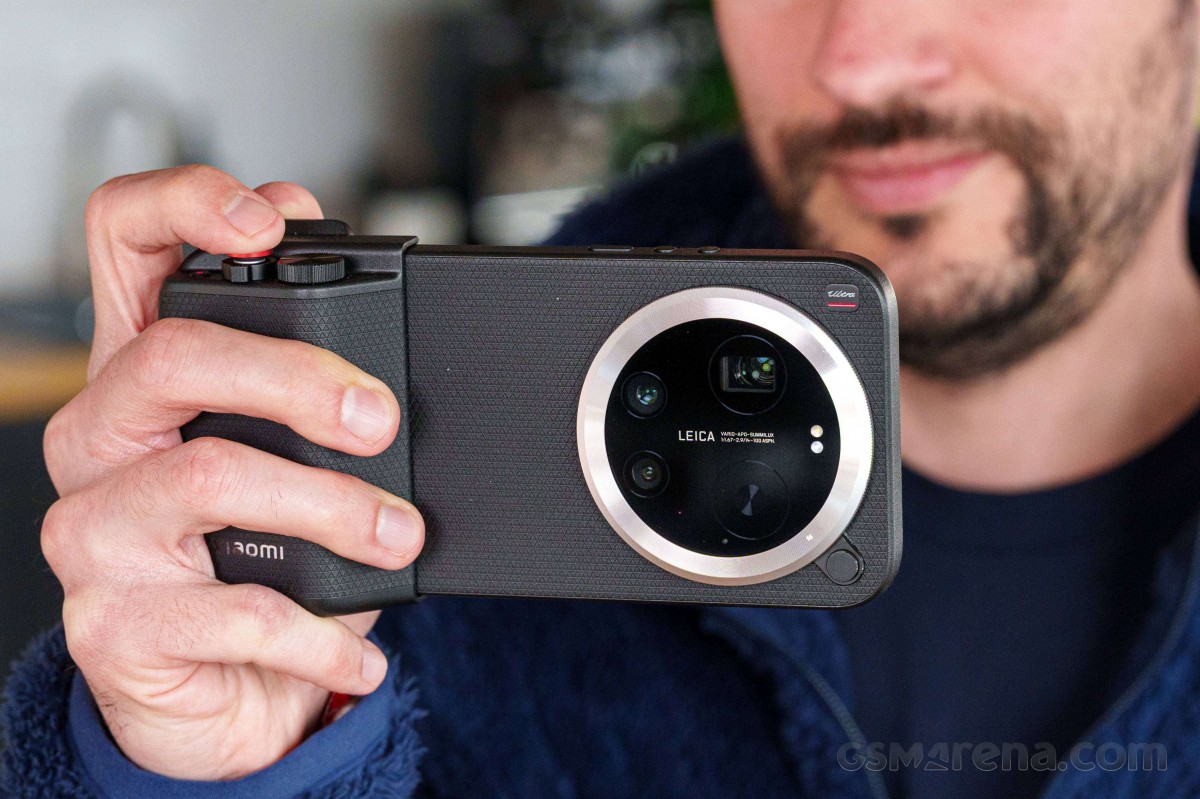
The non-Pro kit is essentially a case with an integrated grip. You also get a two-pin charger and a strap.


There’s no USB connection here, and instead, you connect the kit to the Xiaomi 17 Ultra via Bluetooth. Because the grip is always present, the case lacks magnets like MagSafe.
The grip has two buttons – a video button and a two-stage shutter button. It’s less obvious than the circular shutter button on the Pro kit and lacks a zoom lever, but it’s still a tactile and fun way to take photos on your phone. The non-Pro kit also supports Xiaomi’s FastShot mode.
The case has a 270mAh built-in battery that you charge with a two-pin cable. We would have liked a way to charge the case through the phone, but that would likely mean a thicker case.
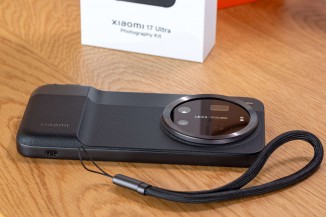
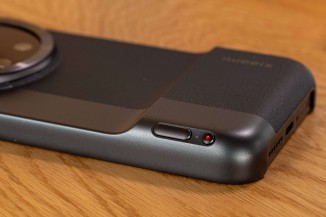
non-pro version
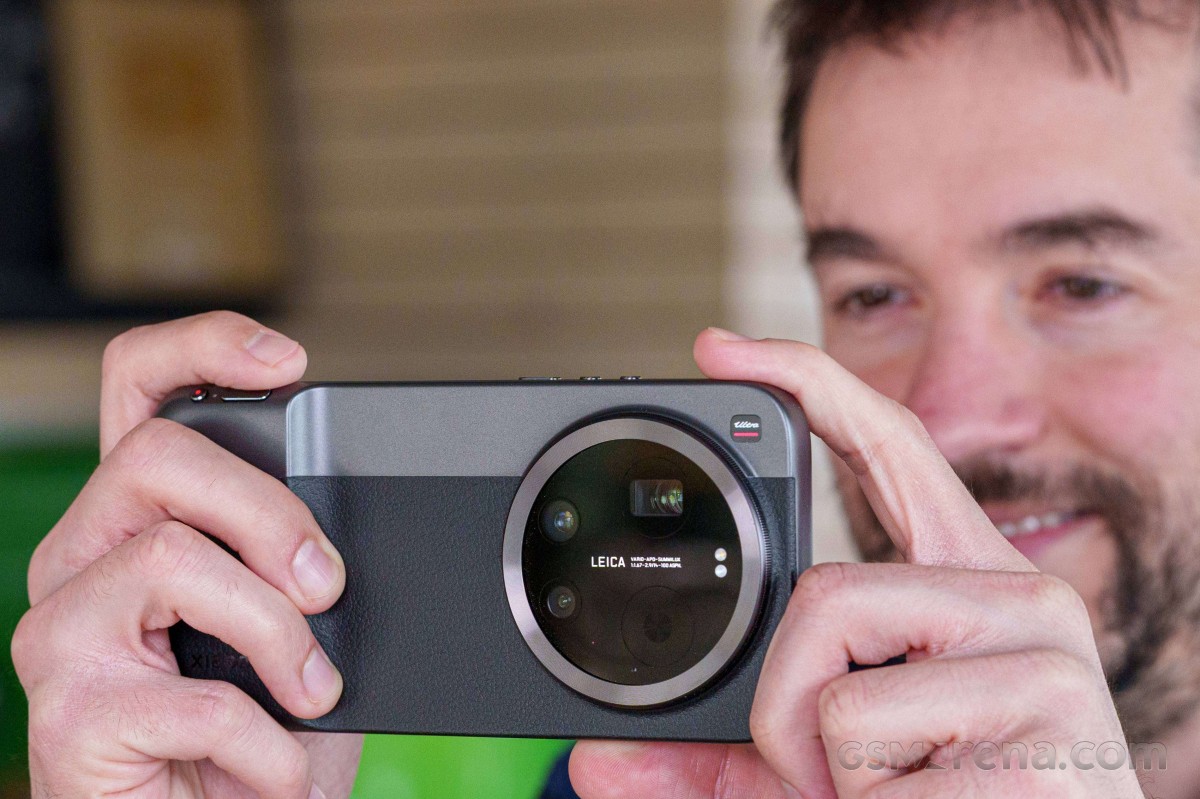
The Xiaomi 17 Ultra Photography Kit Pro comes in black color, while the Photography Kit is available in black, white, and purple. The Photography Kit Pro costs €200, while the Non-Pro costs around €140, but is harder to find in most markets.
Xiaomi 17 Ultra 5G
| 512GB 16GB RAM | €1,499.90 |
£1,299.00 |
| Show all prices | ||
