





Now change Aadhaar number directly from the new app: Here’s a step-by-step guide to do it
The new Aadhaar app allows users to change their Aadhaar linked mobile number directly from their smartphones, providing a more accessible and secure way to update UID details without visiting an Aadhaar enrollment centre.

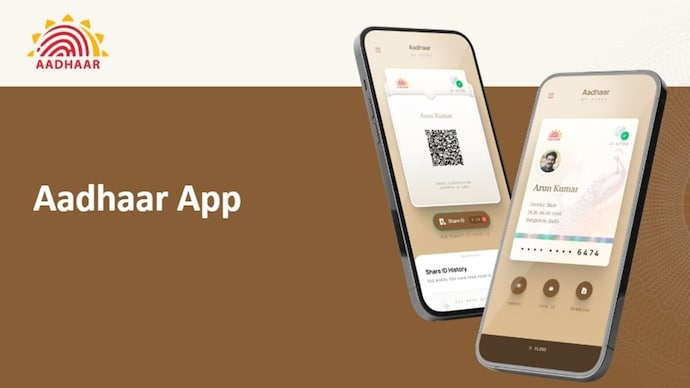


UIDAI has officially launched a new Aadhaar app that allows users to manage their digital identity from a smartphone, perform offline Aadhaar verification and update key details like mobile number and address. This means users can now change the mobile number linked to their Aadhaar without visiting the enrollment centre. For those who have changed numbers, lost access to the old SIM, or are facing delays in updates due to long queues, this could be a much-needed relief.
For Aadhaar users who have been waiting to change or update their Aadhaar linked phone number, the “Mobile Number Update” option is now live in the new Aadhaar app. This feature allows users to request a mobile number change anytime, anywhere using OTP-based authentication and facial verification. Here’s a detailed explanation of how it works and how you can update your mobile number step by step.
How to update your mobile number using Aadhaar app
To update your mobile number on Aadhaar card, make sure that you have the latest version of Aadhaar app installed on your Android or iOS device.
After downloading the app:
- Open the Aadhaar app and log in using Aadhaar-based authentication.
- Go to the ‘Services’ section on the home screen.
- Select ‘Update mobile number’.
- The app will show your currently registered mobile number. Enter the new mobile number you want to link.
- An OTP will be sent to the new number. Enter OTP to verify the request.
- Complete the authentication process as described in the app.
- Once the OTP is verified, the update request is submitted to UIDAI.
aadhaar mobile number update free
Keep in mind that there are minimal charges for updating your mobile number or address through the Aadhaar app. There is a service charge of Rs 75, which can be paid directly within the app. UIDAI also notes that mobile number updates requested through the app may take up to 30 days to be reflected in Aadhaar records. That said, the entire process is digital, eliminating the need for forms, photocopies or personal appointments, making it much more convenient than visiting an enrollment centre.


How to update address on Aadhaar app
The Aadhaar app also allows users to update their Aadhaar address. To do this, you need to upload a valid proof of address document, verify the details and complete the request with in-app payment.
Is there still a need for a center visit?
While the app now supports mobile number and address updates, UIDAI says other demographic changes are coming soon. For now, changes related to biometrics (fingerprint or iris) and date of birth still require a visit to the Aadhaar enrollment centre.