





The Motorola Edge 70 Fusion, which was unveiled earlier this week, made its debut in India today. We’ve already got the European version of the Edge 70 Fusion at MWC, so let’s now take a closer look at the Indian model of the Edge 70 Fusion.
The Indian model of the Motorola Edge 70 Fusion comes in a retail box made of recycled materials, but it also has the FIFA World Cup 2026 logo on it as Motorola is the official smartphone partner for the FIFA World Cup this year.
The retail package of the Indian Motorola Edge 70 Fusion includes a charging cable, a SIM ejector tool, some documents, and a 68W power adapter. Motorola’s Indian website says the Edge 70 Fusion comes with a protective case, but the box we received didn’t have one. The Edge 70 Fusion also doesn’t come with a pre-installed screen protector.
Anyway, moving on, the Motorola Edge 70 Fusion features a 6.8″ “Extreme AMOLED” quad-curved display on the front, which supports Pantone validated colors and skin tones. We’re looking at a 10-bit panel with a 2,772×1,272-pixel resolution, 450 ppi pixel density, and 5,200 nits peak brightness.
Additionally, the Edge 70 Fusion’s display, protected by Gorilla Glass 7i, features Widevine L1 certification – which enables 1080p video streaming on supported apps – as well as support for HDR10, HDR10+, HLG, and Dolby Vision.
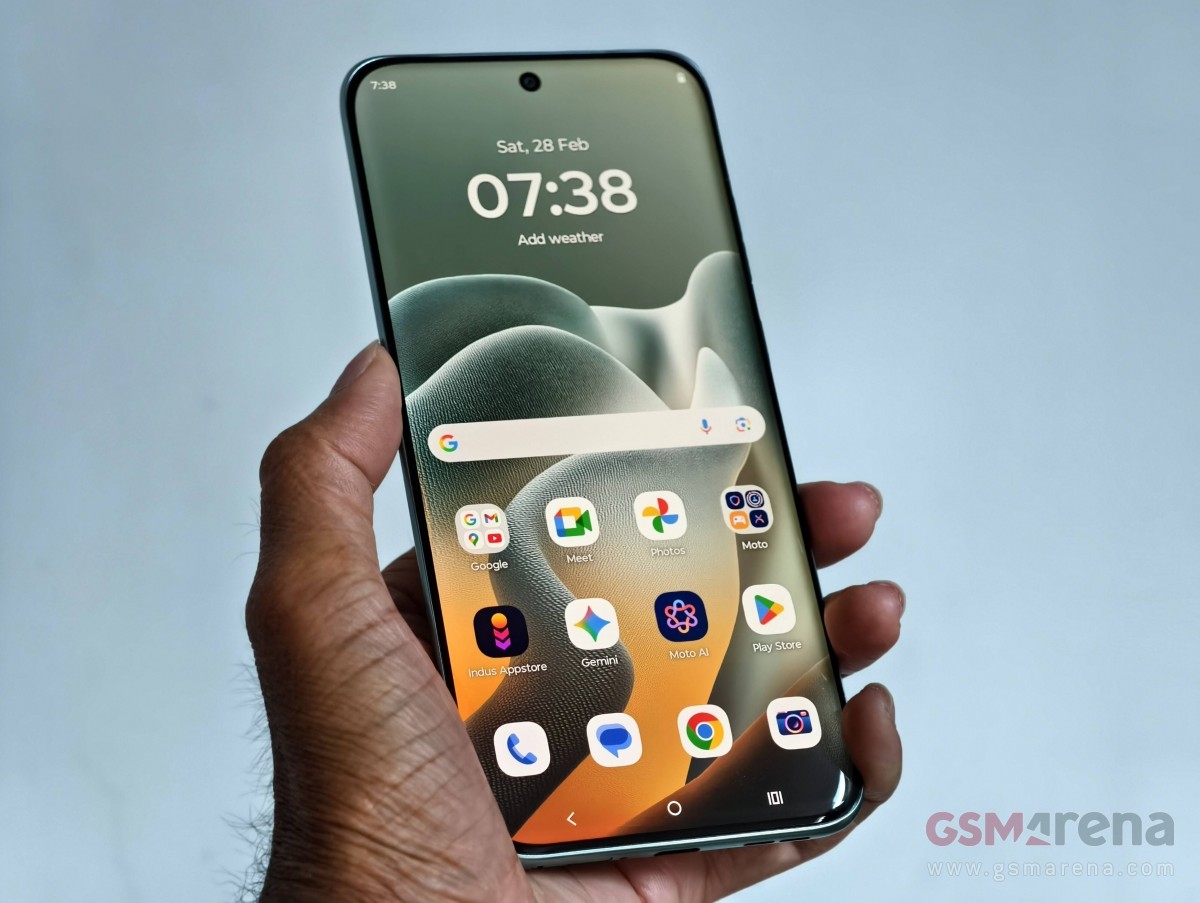

The panel supports 60Hz, 90Hz, 120Hz, and 144Hz refresh rates and you get three refresh rate options in the display settings: Efficiency first, Smart and balanced, and Hyper Smooth. The first option refreshes the screen at up to 60Hz, while the other two refresh up to 120Hz. If you’re wondering about 144Hz, it’s limited to gaming.
And if you’re wondering about the difference between smart and balanced And super smooth settings, Motorola says the former offers “a seamless experience with moderate battery consumption”, while the latter offers “the smoothest and clearest experience with the highest battery consumption”.
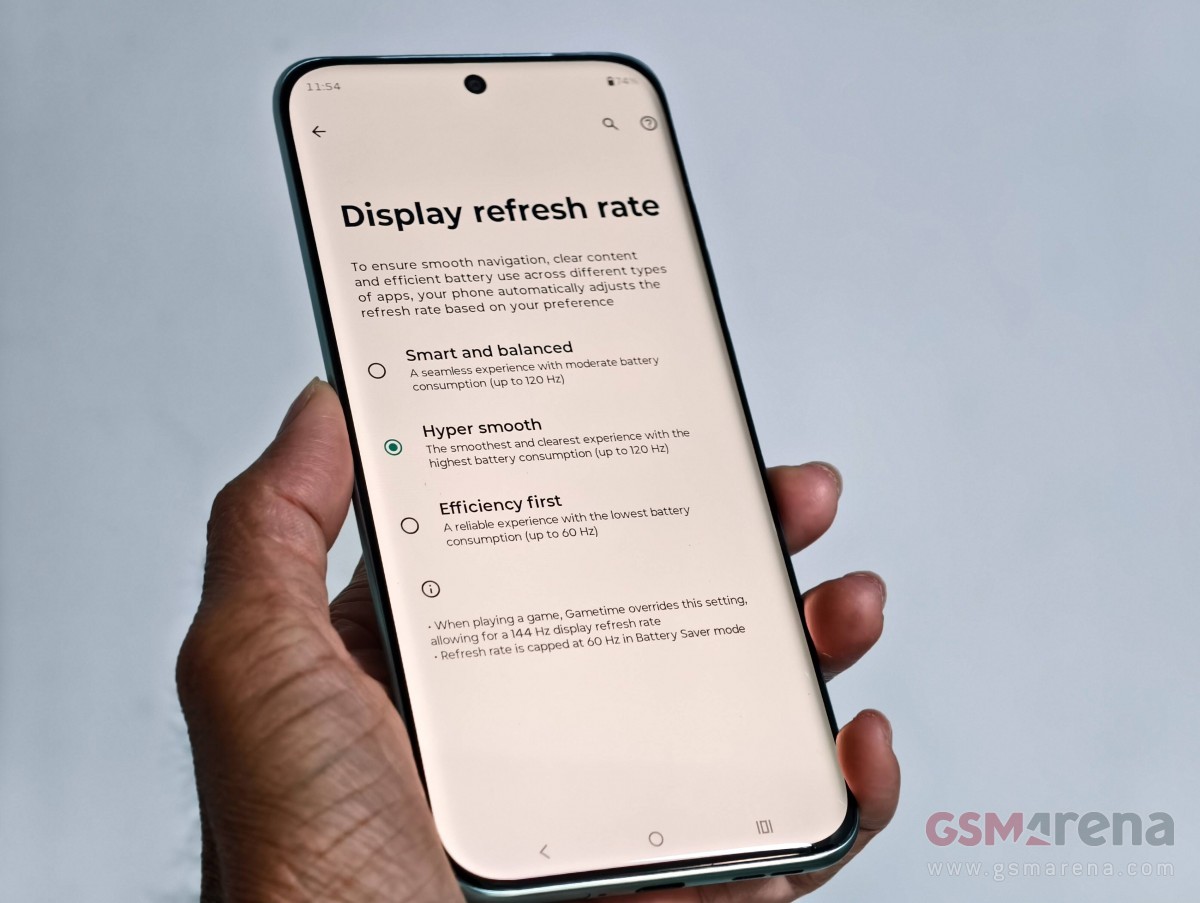
As said, the display of the Motorola Edge 70 Fusion features a centered punch-hole for the 32MP selfie camera, which has an f/2.2 aperture and is capable of recording 1080p and 4K videos at 30 FPS.
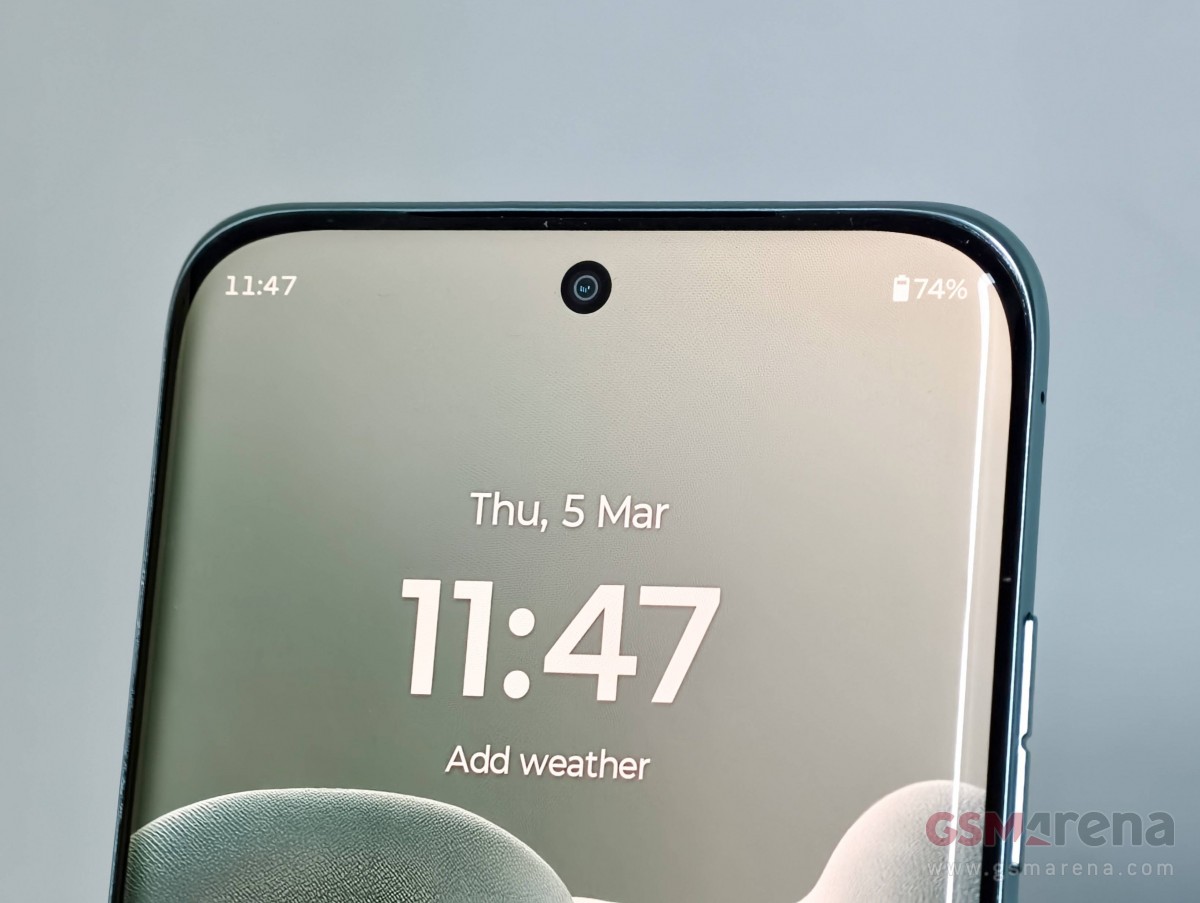
The display also features an optical fingerprint scanner, which we found to be quite fast in the short time we spent with the smartphone. However, it would have been nice to have the fingerprint scanner on top as it would have made the phone-unlocking experience more comfortable.
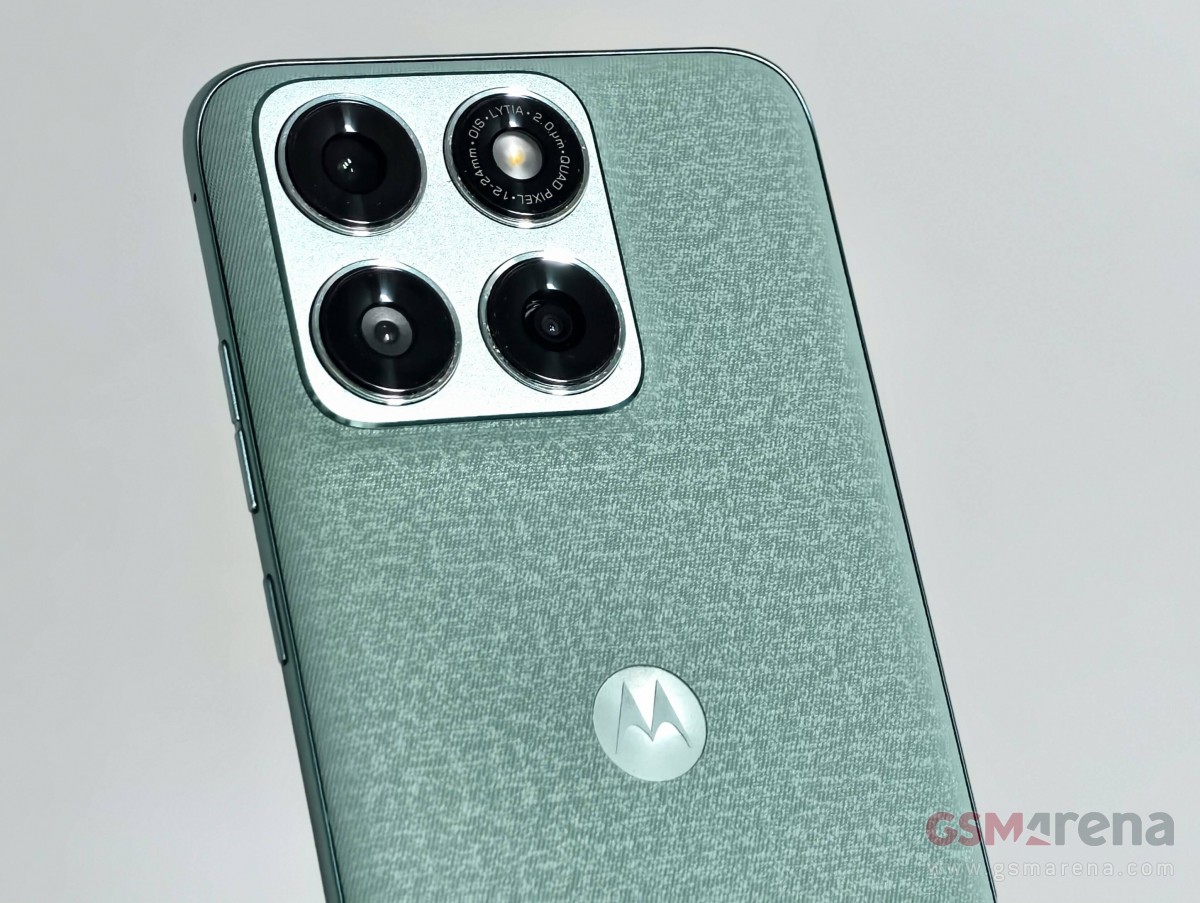
Turn the phone around, and you’ll find a circular-shaped camera island with four circles – one each for the primary camera, an ultrawide camera, a 3-in-1 ambient sensor and LED flash.
The 50MP primary camera uses a Sony LYTIA 710 sensor and has an f/1.8 aperture and OIS. The 13MP ultrawide camera has an f/2.2 aperture, 120° FOV and can be used for macro photography. Like the display, the rear cameras are also Pantone validated for skin tones and colors. Additionally, the rear cameras can record 4K videos at 30 fps, while 60 fps recording is limited to 1080p resolution.
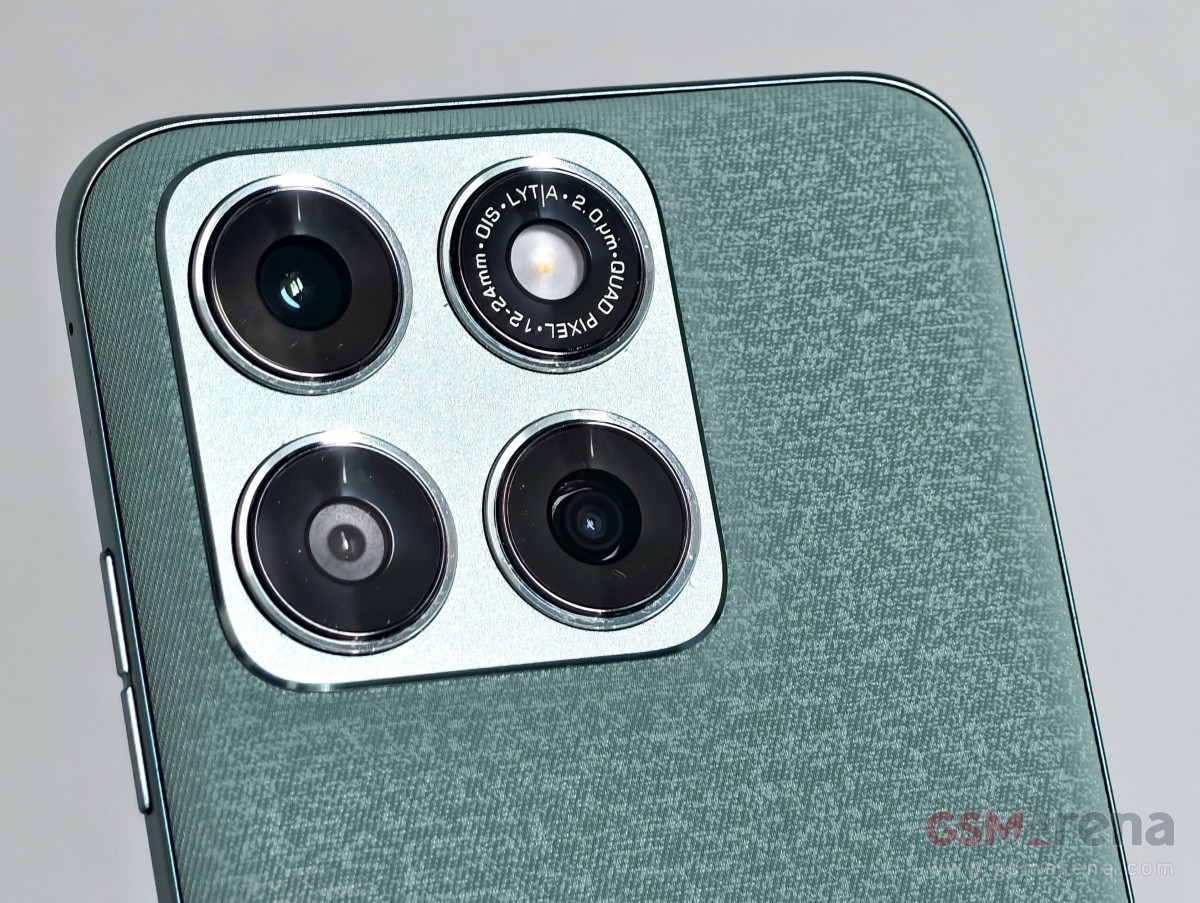
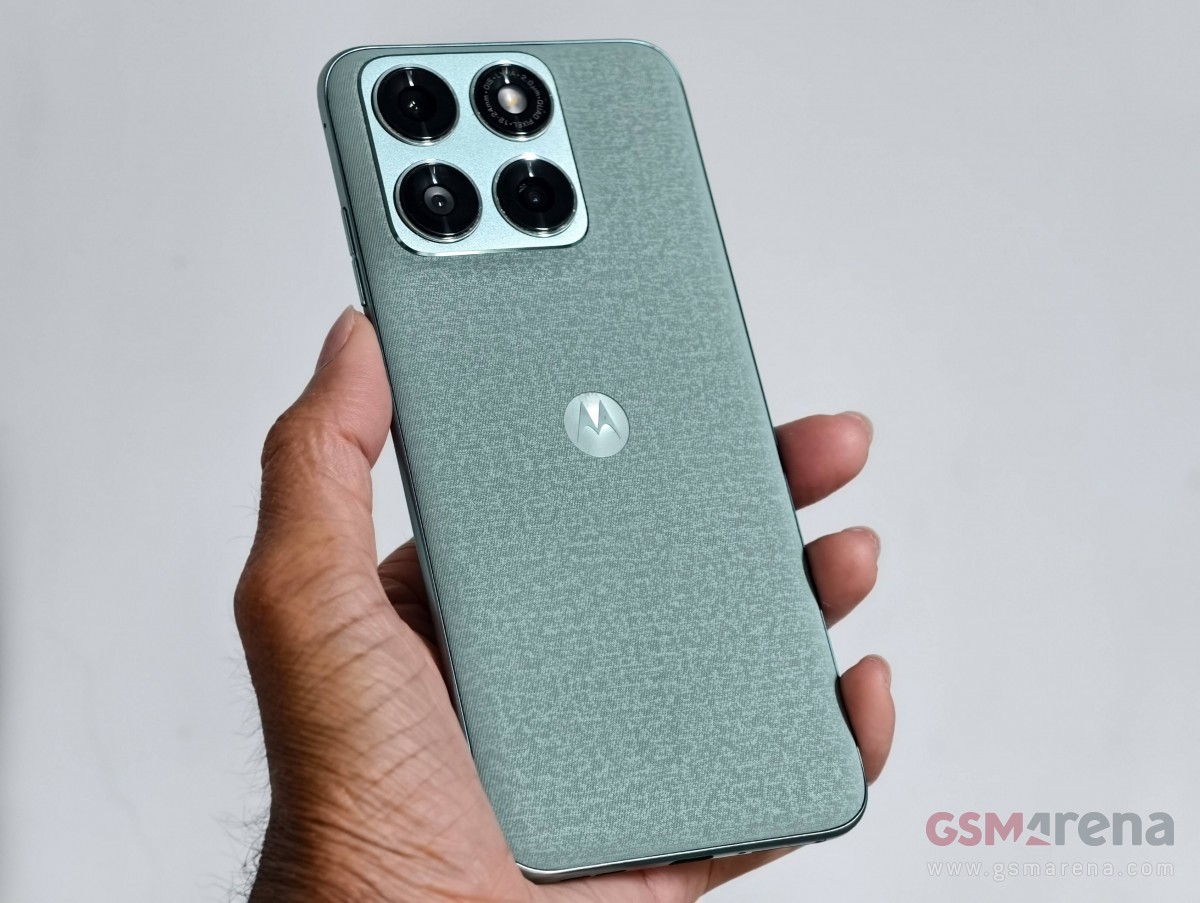
The Motorola Edge 70 Fusion comes in three colors in India – Pantone Blue Surf, Pantone Country Air and Pantone Silhouette. The first one has a back panel with a “linen-inspired finish”, while the back cover of the other two has a “nylon-inspired finish”. Motorola calls both of these a “luxurious fabric finish.”
The subject of this hands-on is the Pantone Blue Surf model, which sports a camera ring around the camera island in the Pantone Capri color. The Pantone Country Air features Pantone Raindrops on Roses accents, while the Pantone silhouette features Pantone Brass Knuckles accents.
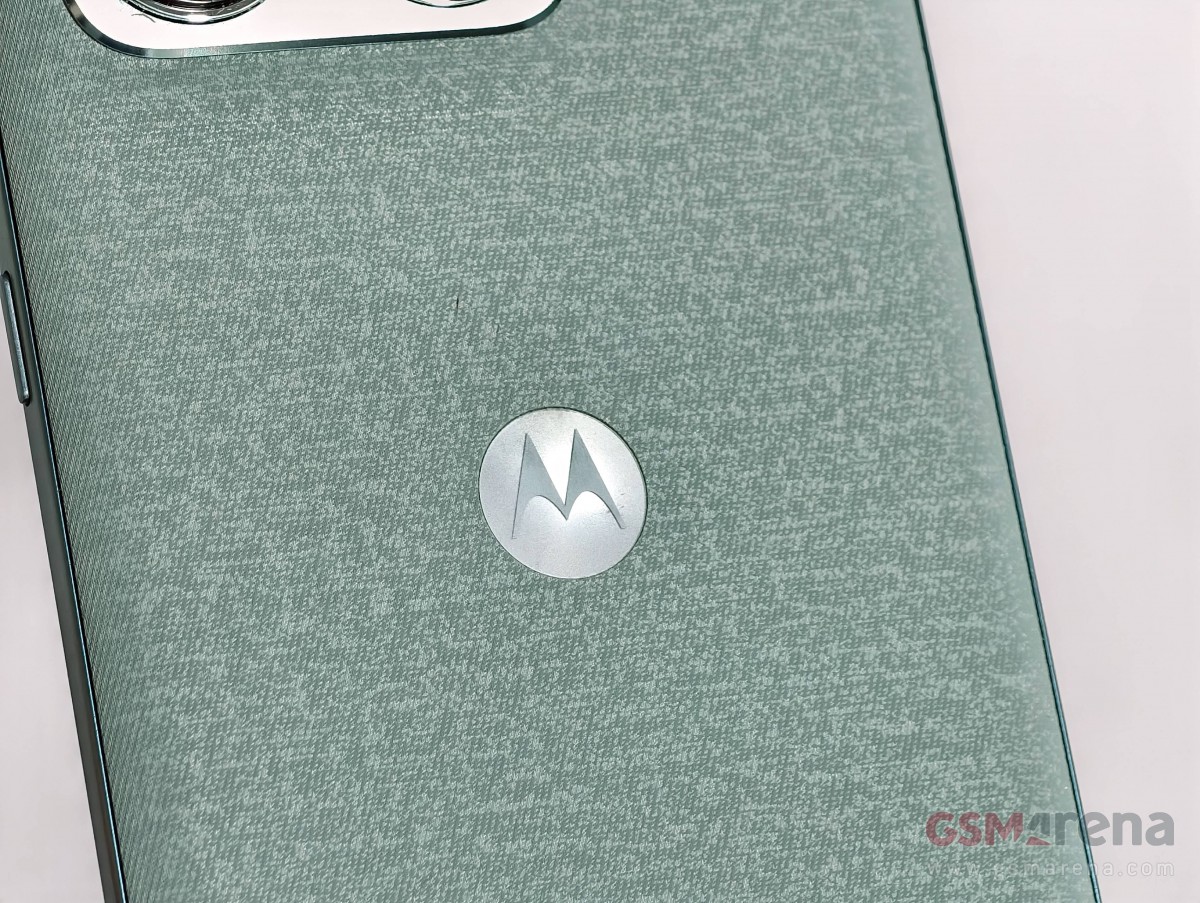
The back cover of our Pantone Blue Surf model has a nice finish. It doesn’t feel premium enough to hold, but it does help with holding and doesn’t stain. The same applies to the camera island, which has a matte finish and the phone does not wobble when used on a flat surface. Like the display, the rear panel is also curved on all sides, making the Edge 70 Fusion comfortable to hold. However, one-handed use will be difficult for many users given the phone’s screen size.
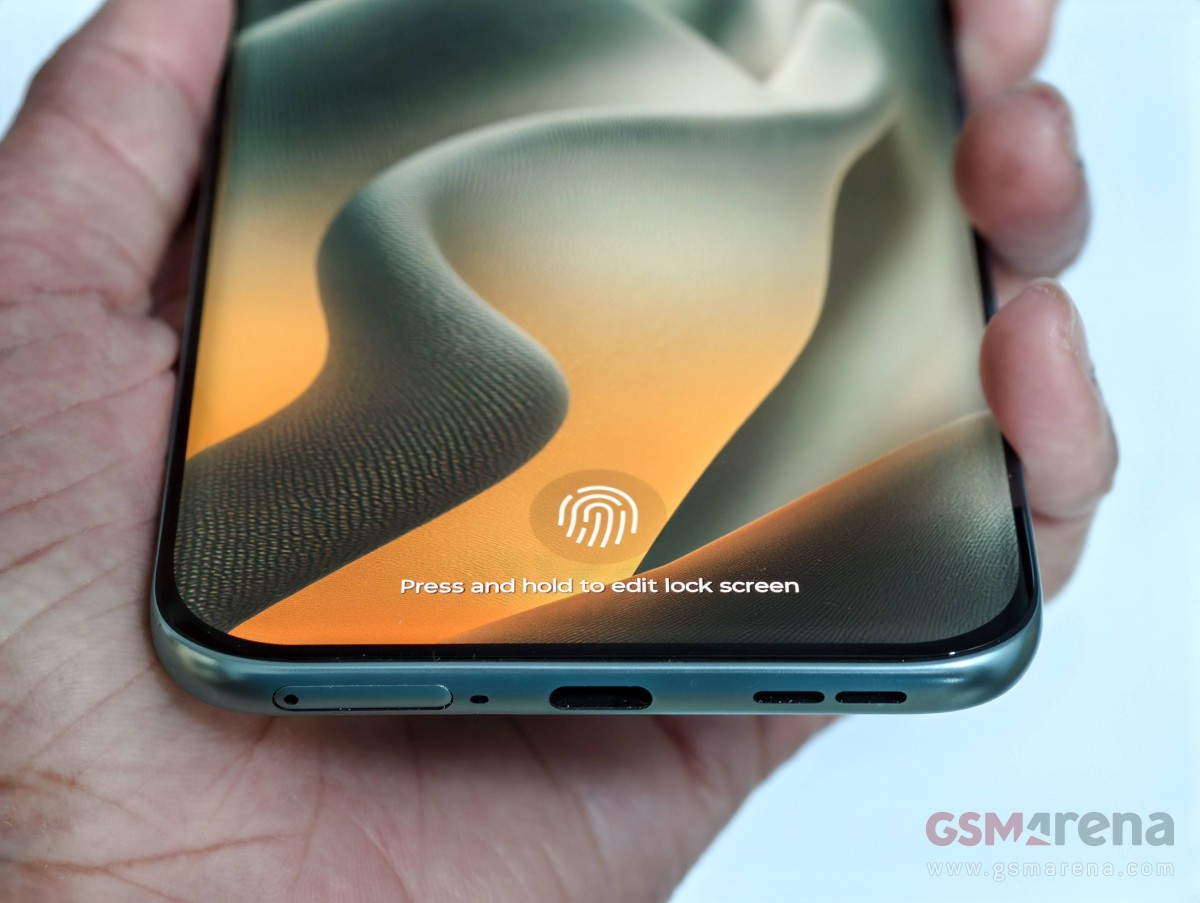
The Edge 70 Fusion’s matte-finished plastic frame also has some curves. On the right side of the frame are the volume rocker and power button, along with the microphone. At the bottom is the USB-C port, which is joined by a SIM card slot, a microphone, and a speaker grille. There’s another speaker outlet at the top, with Dolby Atmos written on the left.
The Indian Motorola Edge 70 Fusion is 7.99 mm thin and weighs 193 grams, which is impressive in terms of thickness, considering its predecessor – the Edge 60 Fusion – was 8.25 mm thick and packed a lower capacity battery at 1,500 mAh in India (1,800 mAh elsewhere). More on that in a bit.
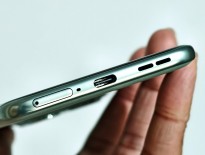
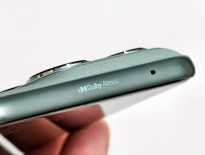
ports and controls

Powering the Indian Motorola Edge 70 Fusion is a Snapdragon 7s Gen 4 SoC, not the Snapdragon 7s Gen 3 chip you get in other markets. The smartphone comes with up to 12GB of RAM and 256GB of storage. Our unit is the top-end 12GB/256GB model, and no matter which version you buy, you get a smartphone running Android 16 out of the box with the promise of three years of OS upgrades and five years of security updates.
It is also worth mentioning that the Indian Motorola Edge 70 Fusion comes pre-loaded with only three third-party apps – Facebook, Instagram, and Indus AppStore. The first two can be uninstalled, but not the third.
We ran some benchmarks on the Indian Motorola Edge 70 Fusion. You can check out the charts below to see how the Snapdragon 7s Gen 4-powered smartphone performed.
geekbench 6
- single core
- multi core


motorola signature
512GB, 16GB RAM

motorola edge 70
512GB, 12GB RAM

Redmi Note 15 Pro+
512GB, 12GB RAM

Poco M8 Pro
512GB, 12GB RAM

motorola edge 60 fusion
256 GB, 8 GB RAM

Motorola Edge 70 Fusion (India)
256 GB, 12 GB RAM
AnTuTu 11
motorola signature
512GB, 16GB RAM
1264 x 2780 pixels
motorola edge 70
512GB, 12GB RAM
1220 x 2712 px
Motorola Edge 70 Fusion (India)
256 GB, 12 GB RAM
1272 x 2772 px
3dmark
- Wildlife Extreme (Supreme)
- Wildlife Extreme (Minimum)
motorola signature
adreno 829
1264 x 2780 pixels
motorola edge 70
adreno 722
1220 x 2712 px
Motorola Edge 70 Fusion (India)
adreno 810
1272 x 2772 px
Redmi Note 15 Pro+
adreno 810
1280 x 2712 pixels
Poco M8 Pro
adreno 810
1280 x 2712 pixels
motorola edge 60 fusion
Mali-G615 MC2
1220 x 2712 px
Next, we have some screenshots showing the Indian Edge 70 Fusion’s consistent performance in CPU and GPU stress tests.
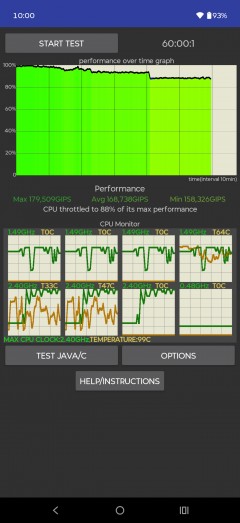
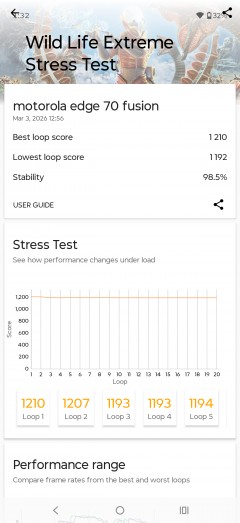
CPU test • GPU test

Motorola says that the Indian Edge 70 Fusion can run BGMI at 120 fps and Call of Duty: Mobile at 90 fps. BGMI didn’t work on our unit, but we played Call of Duty: Mobile, which neither went beyond 60 FPS nor a 120Hz refresh rate. Although Dead Trigger 2 and Sky Force Reloaded ran at 120 FPS and 120Hz, we never saw the 144Hz refresh rate in the games we typically play on smartphones during reviews.
The Motorola Edge 70 Fusion will be sold in Europe with a 5,200 mAh or 7,000 mAh Si/C battery, depending on the market. In India, it will have a 7,000 mAh battery with 68W charging support like other regional models.
Press materials we received from Motorola’s Indian branch state that the Indian Edge 70 Fusion can charge to 50% in 30 minutes with the bundled 68W power adapter, and we’re happy to report that in our charging test, the smartphone took less time than that.
In our charging test, the Motorola Edge 70 Fusion charged from 1 to 32% in 15 minutes, to 50% in 28 minutes, to 53% in 30 minutes, to 96% in 1 hour, and to 100% in 1 hour 7 minutes.
charging speed
- in 15 minutes
- in 30 minutes
- Time to fully charge (from 0%)


motorola signature
90W TurboPower
motorola edge 70
68W TurboPower (USB PD)
Poco M8 Pro
100W Xiaomi HyperCharge
motorola edge 60 fusion
68W USB PD
Redmi Note 15 Pro+
100W Xiaomi HyperCharge
Motorola Edge 70 Fusion (India)
68W TurboPower
Note that your mileage will probably vary depending on your usage and the ambient temperature when charging the phone.
Other features of the Indian Motorola Edge 70 Fusion include IP68 and IP69 ratings, MIL-STD-810H certification, stereo speakers, wet touch support for the display, and NFC.