



Nothing has released the Nothing OS 2.6 update for the Nothing Phone (2) and Nothing Phone (2a). It brings some bug fixes and improvements to Game Mode.
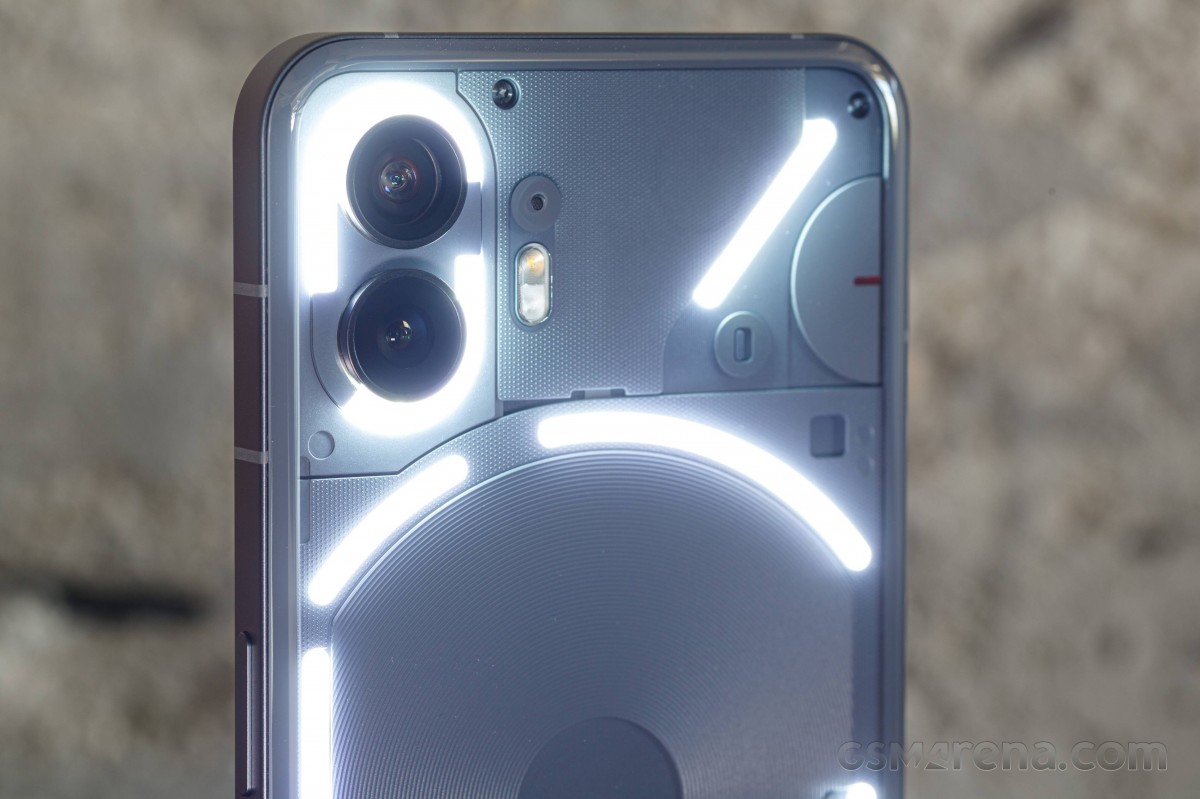
nothing phone (2)
The update also brings support for CMF Watch battery level display, a swipeable date widget, and low lag mode for Nothing earbuds, which is limited to phones (2). You can check out the full Nothing OS 2.6 changelog below for more details.
- New features and improvements
- New support for CMF Watch battery level display in Quick Settings Bluetooth tile.
- Added a new swipeable date widget.
- Added new community title widget.
- Exclusively for Phones (2)
- Added support for deleting wallpaper history in Wallpaper Studio.
- Advanced initial setup for the weather widget/app.
- There are now user-friendly hints to add a specific city.
- Optimized the Low Lag Mode experience for Nothing earbuds.
- Game mode improvements
- Tap the left sidebar for quick access to the game dashboard during games.
- Incoming calls during a game can now be displayed in a pop-up.
- Added support for rejecting third-party app calls during gameplay.
- Support one-tap callback after rejecting the call.
- Optimized light notifications to show more information during games.
- Support for blocking notifications to reduce disruptions during gameplay.
- bug fixes
- Fixed an issue affecting voice and call recording in WhatsApp.
- Other general bug fixes and experience improvements.

- Exclusively for Phones (2)
- Fixed inconsistencies when making emergency calls in certain scenarios.
- Fixed an issue where some apps were unable to properly use the cloned apps feature.
- Exclusively for phones (2a)
- Fixed an issue where the atmosphere wallpaper effect would disappear in some scenarios.
- Fixed an issue where the lock screen display could overlap in some scenarios.
- Fixed an issue where photo previews were displayed incorrectly when taken in landscape while the device was locked.
- Improved portrait mode in camera to avoid false blur.
- Optimized camera stability.
If you haven’t received Nothing OS 2.6 on your Nothing phone (2) or phone (2a), you can check it manually by navigating to the phone’s menu. Adjustment , System , system update Menu.