



Sridhar Vembu to arrive with Aarattai update in 2026, WhatsApp rival now available on Android TV
Zoho founder Sridhar Vembu has announced the launch of Aratai app on Android TV, which will bring one-on-one video calls and schedule meetings to the big screen.
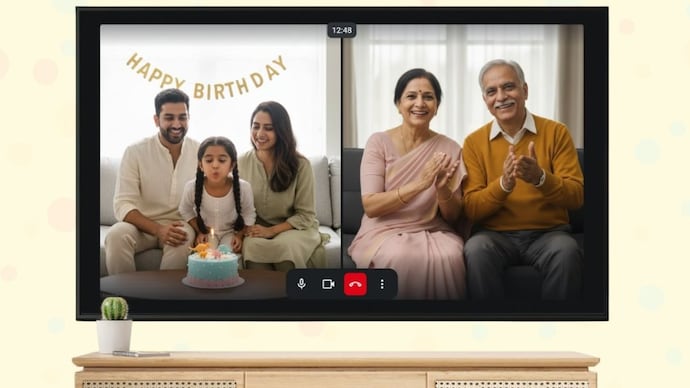

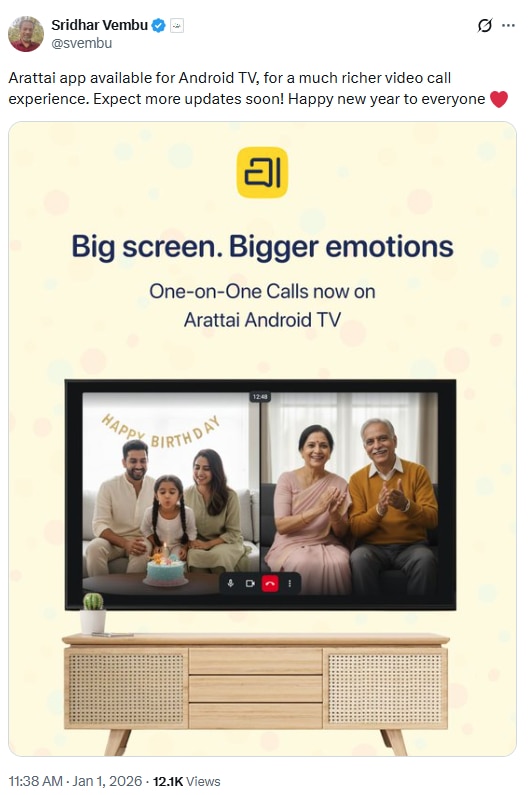
Zoho founder Sridhar Vembu has started 2026 with a new update to the Aarattai app. In a New Year’s Eve post on X, Vembu announced that Zoho’s privacy-focused messaging and calling app is now available on Android TV. The new app allows users to make one-on-one video calls and join scheduled meetings directly from their television.
The Android TV app extends Aratai’s availability beyond smartphones and desktops. The TV app is said to be built for larger screens and can be operated using a TV remote, allowing users to make video calls and join or start meetings from their television. Zoho says more updates are planned, but the current release focuses on bringing video calling to TVs.
How to Install Aratai App on Android TV
Follow these steps to use the Aratai app on your Android TV:
- To get started, turn on your Android TV and open the Google Play Store from the Home screen.
- Use the search option to type “Aarattai” and select the app from the results.
- Once you see the listing, click Install and wait for the download to complete.
- After installation, open the app like any other Android TV application.
- When you launch the Aratai app on Android TV for the first time, the app will prompt you to sign in. Instead of asking for a username and password on the TV, Aratai displays a QR code on the screen.
- To log in, open the Aratai app on your smartphone, go to Settings, tap on Devices and scan the QR code shown on your TV. This process links the TV app to your existing Aratai account.
- If you don’t have the mobile app, there is another option. Users can visit the Aratai TV verification page on a phone or computer browser and enter the code displayed on the TV screen. Once the code is verified, the sign-in is completed automatically.
- Once the verification process is successful, the Aratai Android TV app syncs with the user’s account and shows ongoing and upcoming meetings, allowing them to start using the service immediately.
What does the TV app allow users to do
After signing in to Aratai on Android TV, users will be able to see a list of ongoing meetings associated with their account. If there is no live meeting, the app will display the upcoming schedule. Users can select a meeting and join it with a single click.
Before entering a call, the Aratai app will also show a preview screen where users can turn their microphone and camera on or off. Once inside the meeting, on-screen controls will allow users to mute audio, manage video, or leave the call at any time.

The Android TV app also provides access to recorded meetings. These recordings will appear in a separate section within the app, allowing users to replay previous sessions directly on the TV.
Hardware Support and Requirements for Aratai TV App
Aratai for Android TV requires a television running Android 7 or later. Since most TVs don’t have built-in cameras, the app supports external webcams and audio devices connected via USB.