



Replit AI lets anyone create iPhone apps in seconds, no coding experience required
Replit’s new AI tool turns app ideas into working iPhone apps through simple text prompts, reducing the need for coding and long development cycles. Here’s how you can make it.
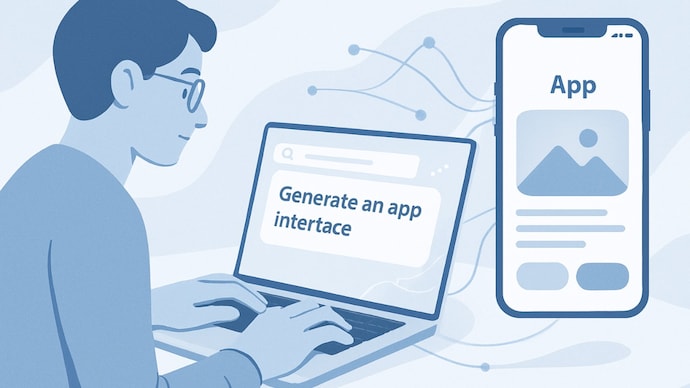

Building iPhone apps has traditionally meant learning to code, buying a Mac, wrestling with Xcode, and spending weeks fixing things that break for no apparent reason. For most ordinary-minded people, that effort alone was enough to give up before even starting. Replit now wants to change that equation by turning app creation into a conversation. The AI coding startup has introduced a new feature that allows users to create and publish mobile apps for Apple devices using plain English signs. You describe what you want, and Replit’s AI agent does the rest. The company says this new approach can take an idea from concept to a working app in a matter of minutes, and to an app store in a matter of days.
Replit AI lets you build iPhone apps in seconds, no coding experience required
The new feature, called Mobile Apps on Replit, is designed for creators, founders, and small businesses who have ideas but don’t have a technical background. Instead of learning Swift or worrying about backend systems, users simply tell the AI what type of app they want to build. For example, a user might type something like, “Build an app that tracks the top 10 public companies by market cap.” Replit then produces the app with a working interface, basic logic, and a preview that users can test immediately. Changes are made in the same way, by chatting with the AI and asking it to add features or fix problems.
This style of development, often called “vibe coding,” has gained serious momentum as AI tools have become more capable. Instead of writing code line by line, users focus on the idea and behavior of the app, while AI handles the technical work behind the scenes.
Interestingly, Replit also lets you add monetization support to the app. The platform has integrated Stripe, allowing users to add payments and subscriptions to their app without additional setup. This means a small business owner can create a utility app, add paid features, and start charging users without hiring a developer.
Apple’s App Store rules still apply
While Replit can handle the technical side, publishing an iPhone app still requires approval from Apple. Every app built on Replit must be submitted to the App Store and follow Apple’s guidelines on privacy, security and user data.
Apple says about 90 percent of app submissions are reviewed within 24 hours, but rejection is still possible if an app violates its policies. In other words, Replit makes creation easier, but it doesn’t bypass Apple’s review process.
Security concerns around AI-created apps
Despite the enthusiasm, vibe-coded apps are not without criticism. Recent research from cybersecurity firm Tenzai found that many AI-generated apps, including those built using popular coding agents, come with serious security issues. These include weak protection against cyber attacks and poor password management.
This means users who rely on AI tools still need to be careful, especially if their apps handle sensitive data. Replit allows users to review and modify what the AI creates, but responsibility for security ultimately lies with the app creator.
How to Build an iPhone App Using Replit AI
No coding experience is required to get started with Replit, but building full apps may require a paid plan like Replit Core. Here’s a quick guide on how to build apps with Replit.

-First of all go to Replit website and create an account or log in. Select the option to create a new app from your dashboard. You will see a text box where you can state your idea in simple language. Being clear and specific helps AI deliver better results.
-Once you submit your prompt, Replit’s AI agent generates a plan for the app. You can review the plan, ask for changes, or approve it before the building process begins. The platform automatically builds the frontend, backend, and database, showing progress in real time.
-Once the app is built, you can continue chatting with the AI to add features like dark mode, payments, or analytics. Repl also saves checkpoints, so you can roll back changes if something goes wrong.
You can preview the app directly in Replit, and for mobile testing, use the Expo Go app on your phone to scan the QR code and run it on your device. When everything looks good, you can publish the app from Replit and submit it to Apple for review.