



Apple MacBook Pro 14 with M5 review: Quite the powerhouse
The calm before the storm: This is what the MacBook Pro 14 with M5 is all about. It serves as the connecting link between the MacBook Air and the Pro models that come with the M5 Pro and M5 Max chips. There’s enough power, portability, and versatility under the hood here to become the real choice for many “pro” users, while also giving a taste of what you can expect when Apple finally raises the bar.
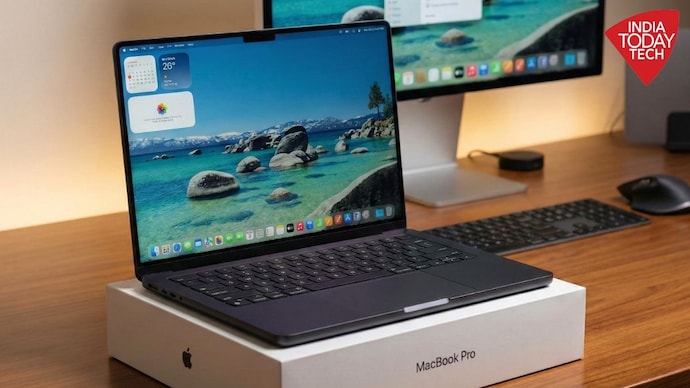

Apple MacBook Pro 14 with M5 review
Pros
- premium construction
- amazing performance
- good port selection
- targeted performance gains
- excellent battery life
- The cheapest “true pro” experience
Shortcoming
- increase power draw
- expensive upgrades
- No touchscreen or cellular
- graphic ceiling
Apple doesn’t say it in so many words, but the standard MacBook Pro is much more than the sum of its parts. It’s a bit awkward to use the terms “standard” and “pro” when talking about the same product. Still, when it comes to the MacBook Pro 14 this is the best way to put it. It seems a bit odd to simply refer to it as the “MacBook Pro 14 with M5”, considering what it is. At the same time, it fails to capture the spirit of what this laptop really represents, which is, in my opinion, a sign of the calm before the storm.
For years, the difference between the MacBook Air and MacBook Pro was defined solely on the basis of raw horsepower. If you wanted more you paid more. If you did heavy work, you bought a Pro. If you did general office work or if you were studying, you bought an Air. However, recently, that line has become blurred. With the complete change to Apple silicon and the introduction of a 15-inch model, the Airs are now incredibly capable, and for the highest-end professionals, absolute monsters.
Where does that leave the entry-level MacBook Pro? In a difficult situation, you might think, but this is not accurate. The M5 MacBook Pro 14 is suited for a very specific type of power user. Whether you’re a “power user” depends entirely on how far you can stretch your mind and budget – and Apple is happy to meet you. With a starting price of Rs 1,69,900, it’s the cheapest ticket to Apple’s best hardware features – better screens, versatile ports and active cooling – and it can hold its own against many of the giants on pure merit. It aims to bridge the gap between casual portability and business necessity.
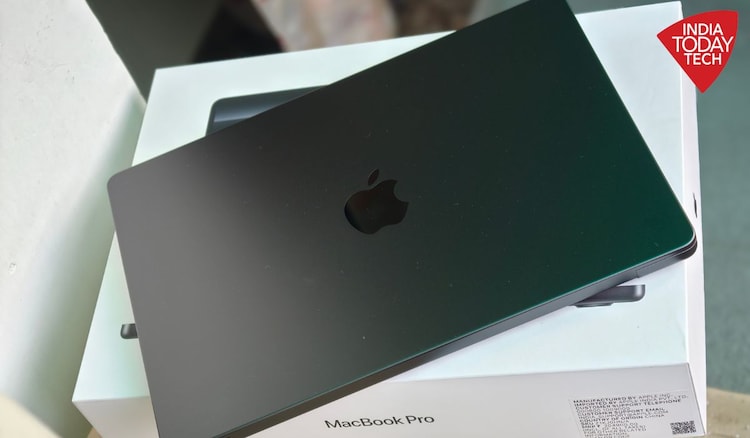
MacBook Pro display: a valid reason to upgrade
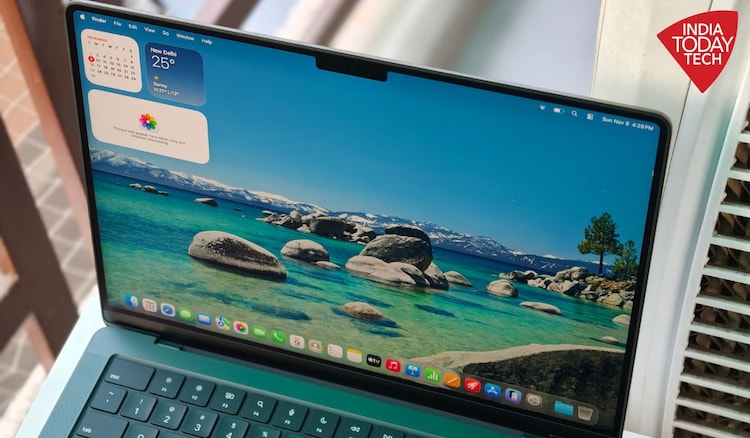
The most attractive reason to choose the M5 MacBook Pro over the Air is the display. Even in the most affordable Pro you get Apple’s best laptop screen technology which is Liquid Retina XDR. Unlike the standard LCD panels on the Air, it uses mini-LED technology. The difference becomes visible immediately. Blacks are deep and deep, colors are rich, and the HDR display is truly professional grade with a maximum brightness of up to 1,600 nits. Whether you’re grading color footage or watching a movie in a dark room, the contrast ratio is top notch.
Promotion is another great feature (short for unique selling point). The 120Hz variable refresh rate makes everything feel faster. Scrolling through long documents, navigating the UI, and system animations are intuitive and fluid. Once you get used to 120Hz, going back to a 60Hz screen feels jarring.
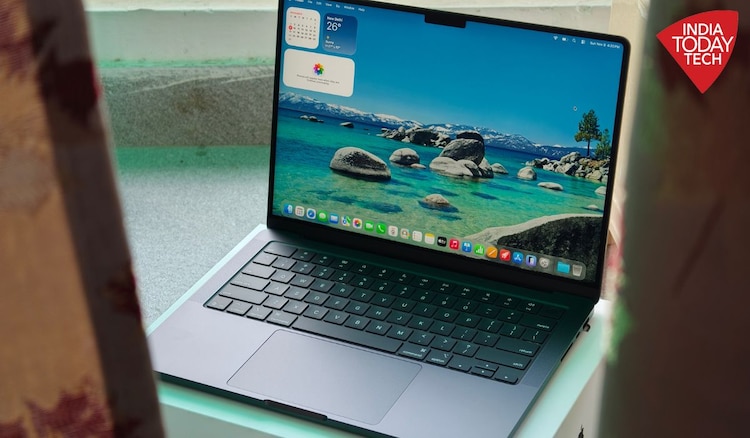
As a bonus, you can also get a MacBook Pro display with an optional nano-texture finish, although that will cost you an extra Rs 15,000. Previously reserved for high-end desktop displays, this matte coating is gorgeous. It reduces glare to a great extent without ruining the sharpness of text or the vibrancy of colors. If your workspace has harsh overhead lighting or if you prefer to work near windows, this upgrade is a game-changer. Generally, the Pro has a brighter display (1,000nits vs. 500nits), with or without nano-texture.
MacBook Pro has ports and connectivity
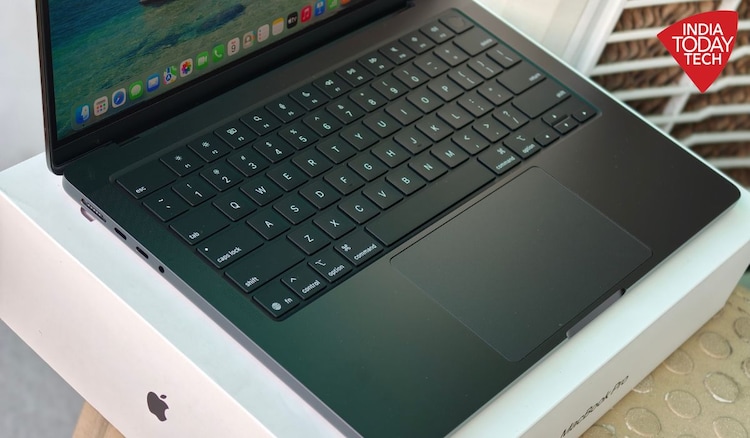
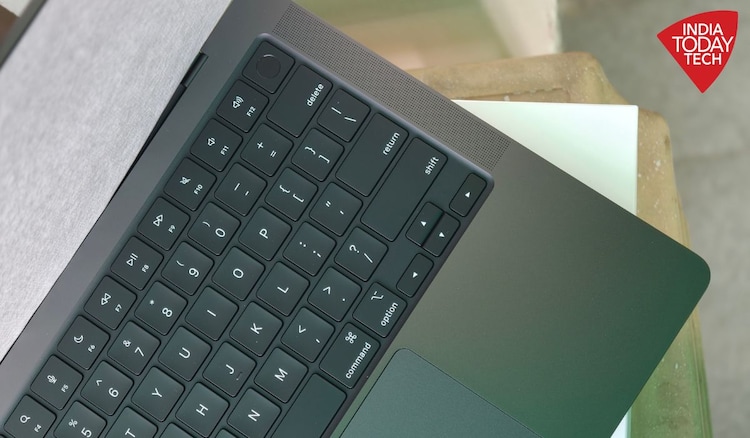
The M5 MacBook Pro is Apple’s cheapest laptop with a full suite of professional connectivity. While the MacBook Air forces you to charge and connect peripherals with only two USB-C ports, the M5 MacBook Pro gives you three Thunderbolt ports, a dedicated HDMI port, and an SD card slot.
For photographers, videographers, or anyone who makes a habit of using an external monitor, these ports are really useful. You can plug in your charger, an external drive, a monitor, and an SD card simultaneously without a bulky dock competing for bandwidth. It sounds simple, but dongle life is a friction point that many users are happy to pay extra to remove. The only thing missing now is cellular support, make what you will of it.
MacBook Pro M5 performance: Faster in every way
On the surface, the M5 looks very similar to the M4. It is built from the same basic building blocks: a 10-core CPU with four high-performance cores and six high-efficiency cores, a 10-core GPU, and a 16-core neural engine. But that’s only on paper and a stark reminder of why numbers don’t always tell the whole story. With the M5, Apple opted to deliver subtle – and targeted – benefits rather than blindly chasing raw clock speed.
Everything from the inside has been designed to minimize all existing and potential future disruptions. So, although it may seem like nothing has changed, everything that matters has changed and not even by the slightest margin. The most significant upgrade is a 27.5 percent increase in memory bandwidth, from 120 GB/s on the M4 to 153 GB/s through a combination of faster RAM (LPDDR5X-9600 vs. LPDDR5X-7500) and an improved “memory fabric,” allowing faster communications across the chip, especially accelerating graphics-intensive tasks.
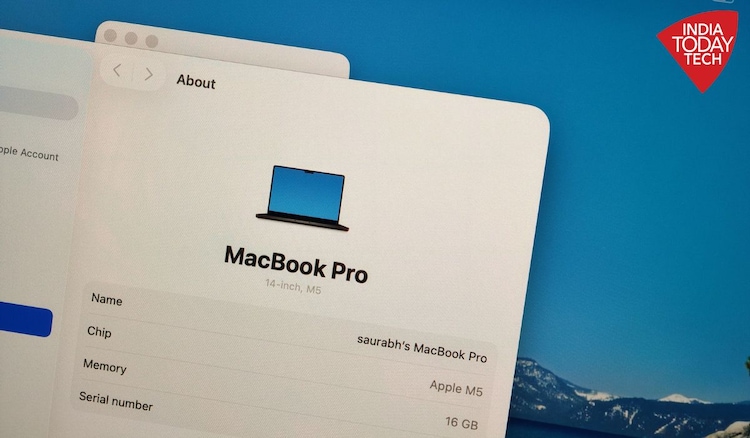
Additionally, each GPU core has a Neural Accelerator to handle specific workloads like MetalFX upscaling or frame generation inside the GPU, reducing latency while freeing up the Neural Engine for other AI tasks. Speaking of AI, Apple claims “over 4x peak GPU compute compared to M4”, which is aimed at speeding up native AI language models and image generation.

Following its immediate predecessor the M4, the M5 chip we tested on the MacBook Pro 14 recorded a double-digit improvement, which is mostly in line with the year-over-gen performance of Apple’s M-series chips. The graphics improvement is even more noticeable with Blender for Mac, with a massive increase of over 50 percent, which shows that 3D rendering tasks are ready to run on this laptop.
Gaming also benefits from the increased memory bandwidth and new Neural Accelerator with Cyberpunk 2077 delivering a solid 60 FPS when playing at high to medium settings. The vanilla M5 can’t touch the graphics performance of the older Max or Ultra chips – there will be future M5 Max and Ultra for that – but if your workflow is primarily CPU-heavy and you don’t need more than 32GB of RAM, the M5 performs surprisingly well.
The only caveat I can find is that these performance gains come with increased power draw relative to the M4 when you push the chip to its limits. While battery life remains excellent for normal tasks, pushing the M5 hard will drain the battery faster than its predecessor. Being the predecessor to the M5 Pro and M5 Max that are expected to launch soon, this type of performance is still very good and takes expectations to the next level. As I said earlier, it’s the calm before the storm.
MacBook Pro M5 verdict: should you buy it?
Twenty years is a long time for any gadget to survive, let alone thrive. The MacBook Pro stands out in many ways. You could say it has reversed the trend. It is an exception that continues to reign supreme, no matter what.
On the surface, the M5 MacBook Pro 14 is a complicated machine to classify. For most people, the MacBook Air is the best value. It is light, cheap and quite fast. But for the prosumer – hobbyist photographer, code compiler, or video editor on a budget – this Pro is the best place to be.
It gives you the best display made by Apple, the ports you need and performance that rivals flagships in almost every sense without spending Rs 2 lakh and more. In other words, if the Air seems too light for your workload, but excessive for top-tier professionals, this laptop is the perfect quiet powerhouse for work.