



The passes are great. The technology is solid, based on well-established, secure cryptographic principles, and offers ease of use compared to remembering traditional passwords. If you don’t know, the passkey paradigm generates a secure private key that you keep locally on your device and a corresponding public key that you give to websites/services/apps you want to log in to. Once you actually want to log in, all you need to do is securely authenticate to your device via something like a biometric lock (fingerprint, Face ID) to “prove” that you have a certain public key. A gross oversimplification, but as long as modern cryptography standards are maintained, it’s a great alternative to remembering and typing passwords.
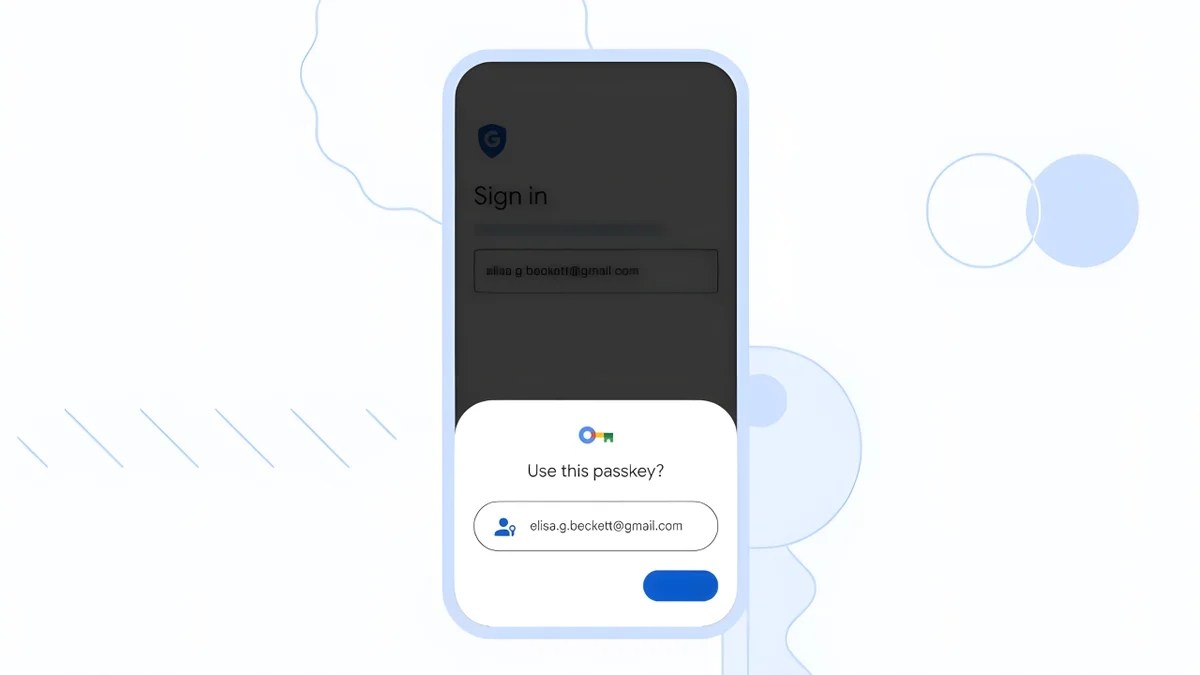
However, there is one potential problem – what if you change the device on which your private key is stored, such as if your phone breaks or you just get a new one? There needs to be a convenient and secure way to transfer that private key instead of creating a new pair and sending the public key all over again. Really, there is. It’s called the Credential Exchange Protocol (CXP), and it’s a developing industry standard supported by the FIDO Alliance.
If you use an iOS 26 or macOS 26 device or one of the big password managers out there, notably Bitwarden and 1Password, you already have access to CXP and passkey migration from one device to another. Despite being among the CXP supporters, Google has not yet officially implemented CXP into Google Password Manager and, by extension, Android as well.
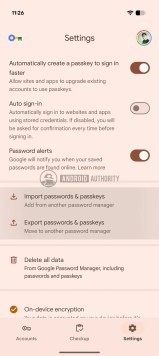
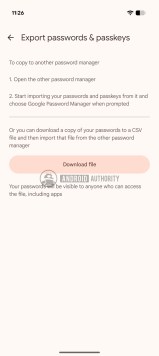
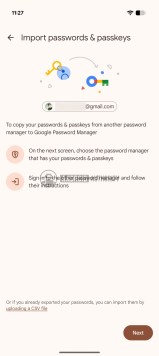
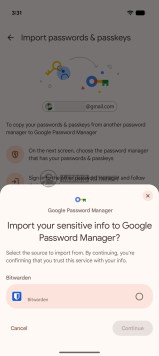
Google Password Manager Passkey Migration

Well, our colleagues at Android Authority managed to activate a still-hidden interface within Google Password Manager that allows both importing and exporting passkeys. This is important because on Android devices, CXP Transfer actually relies on Google Play Services and Google Password Manager to shuffle keys between providers. So, this proves that the necessary groundwork is already in place. In all likelihood, you’ll start seeing passkey migration options not only in Google Password Manager but also in other managers running on Android and supporting Passkeys, like Samsung’s Samsung Pass.
If you still find yourself struggling with traditional password management, now seems like a good time to start migrating to Passkeys where they are supported.